

Free Vision Board Maker
The Vision Board Maker Built for Your iPhone
Aethel turns your goals into a beautiful digital vision board in minutes — photos, affirmations, and colour, kept on the one screen you see a hundred times a day. Built for everyday people, not designers. No skills, no subscription.

How the maker works
01
Get clear on your goals
Name what this board is about — a career move, a home, a feeling, a place. The clearer your intention, the more powerful the board.
02
Add images, words, and colour
Drop in photos from your camera roll, connect Pinterest to bring in your saved pins, or search Unsplash. Add affirmations and colour blocks until it feels like your future.
03
Keep it in front of you
Save your board and set it as your wallpaper or a widget, so you see your goals every single day — no willpower required.
Perfect for
A fresh start
New year, new season, or a birthday — turn any reset into a board of intentions you'll actually see.
A career leap
Picture the role, the workspace, and the pace of life you're moving toward, and keep it in view.
A manifestation practice
If you already journal or visualise, a vision board on your iPhone makes the practice daily and effortless.
Health & wellbeing
Movement, rest, and the way you want to feel in your body — made visual and kept close.
A big dream
A trip, a home, a milestone — give one clear goal a beautiful, constant presence on your phone.
Financial goals
The security and freedom you're building, made specific with numbers, places, and affirmations.
Made with Aethel
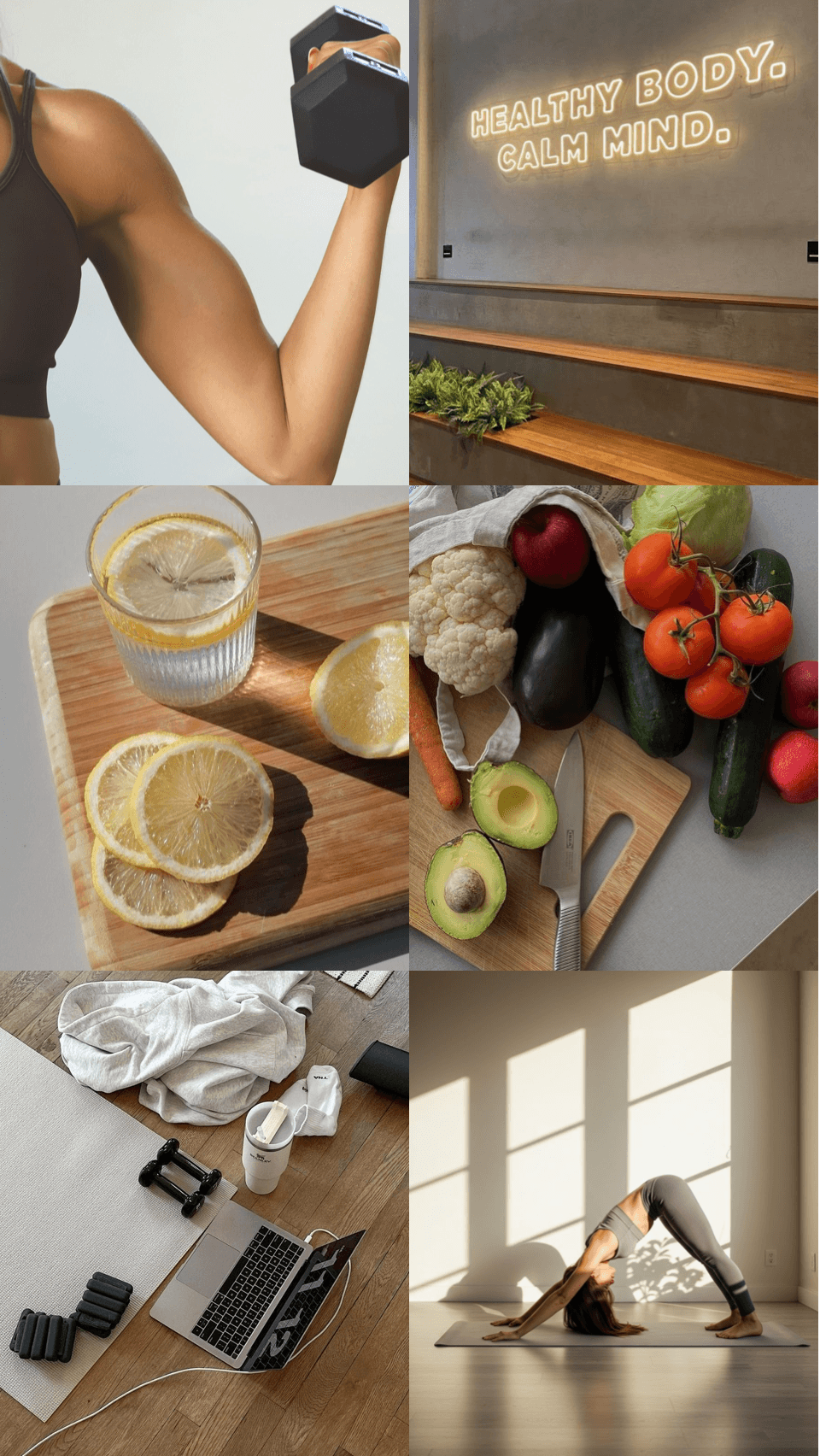
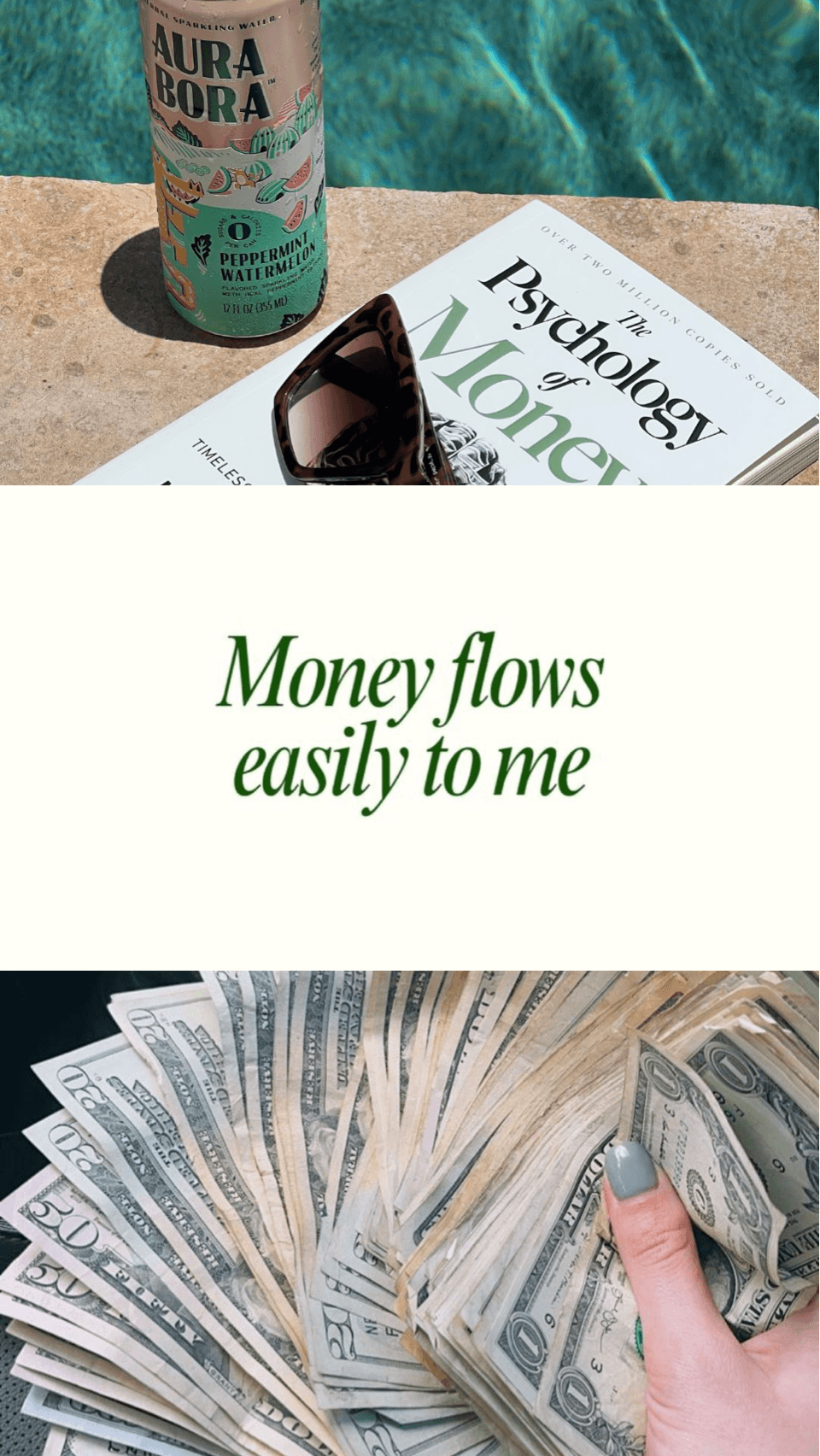
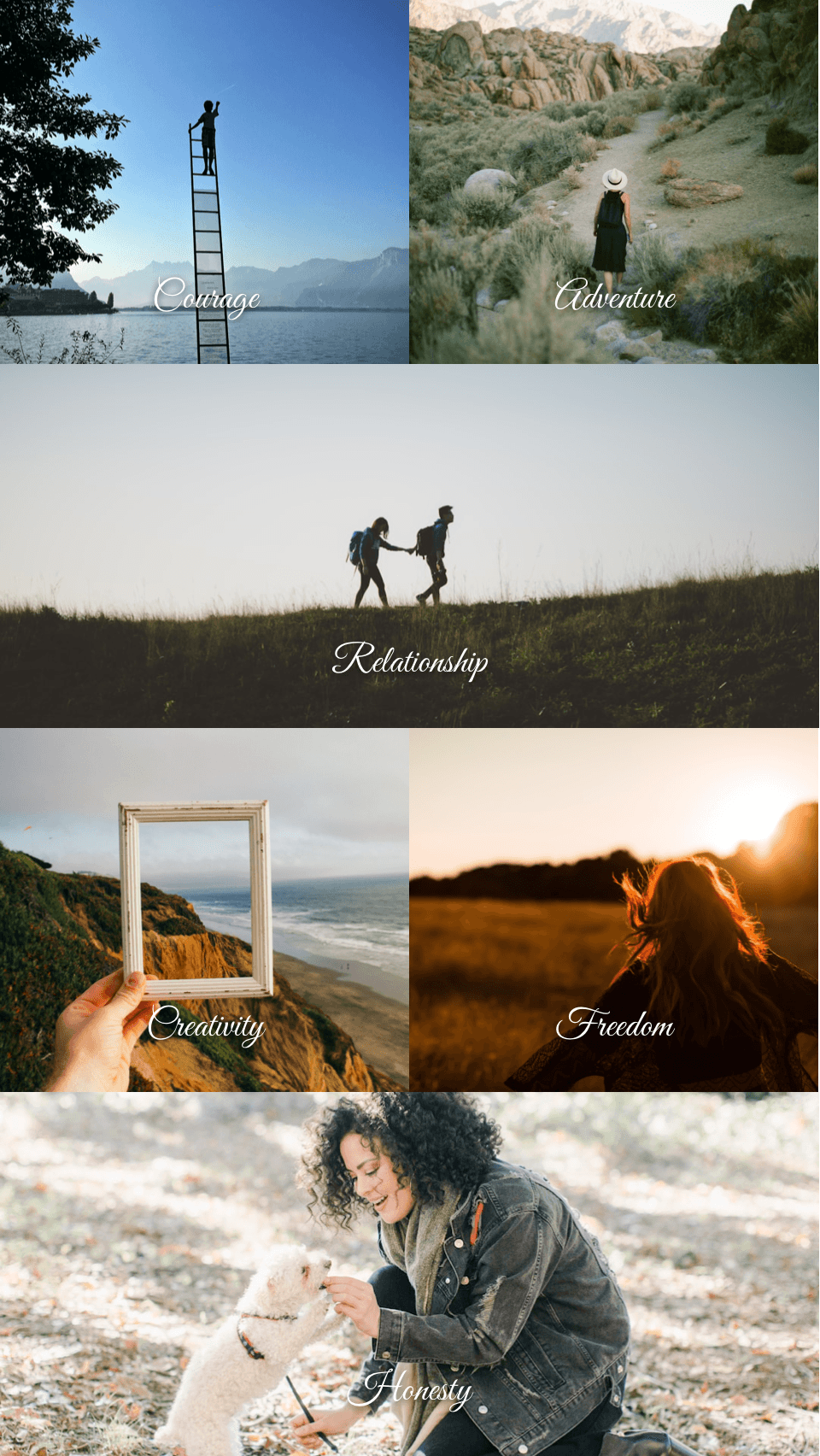
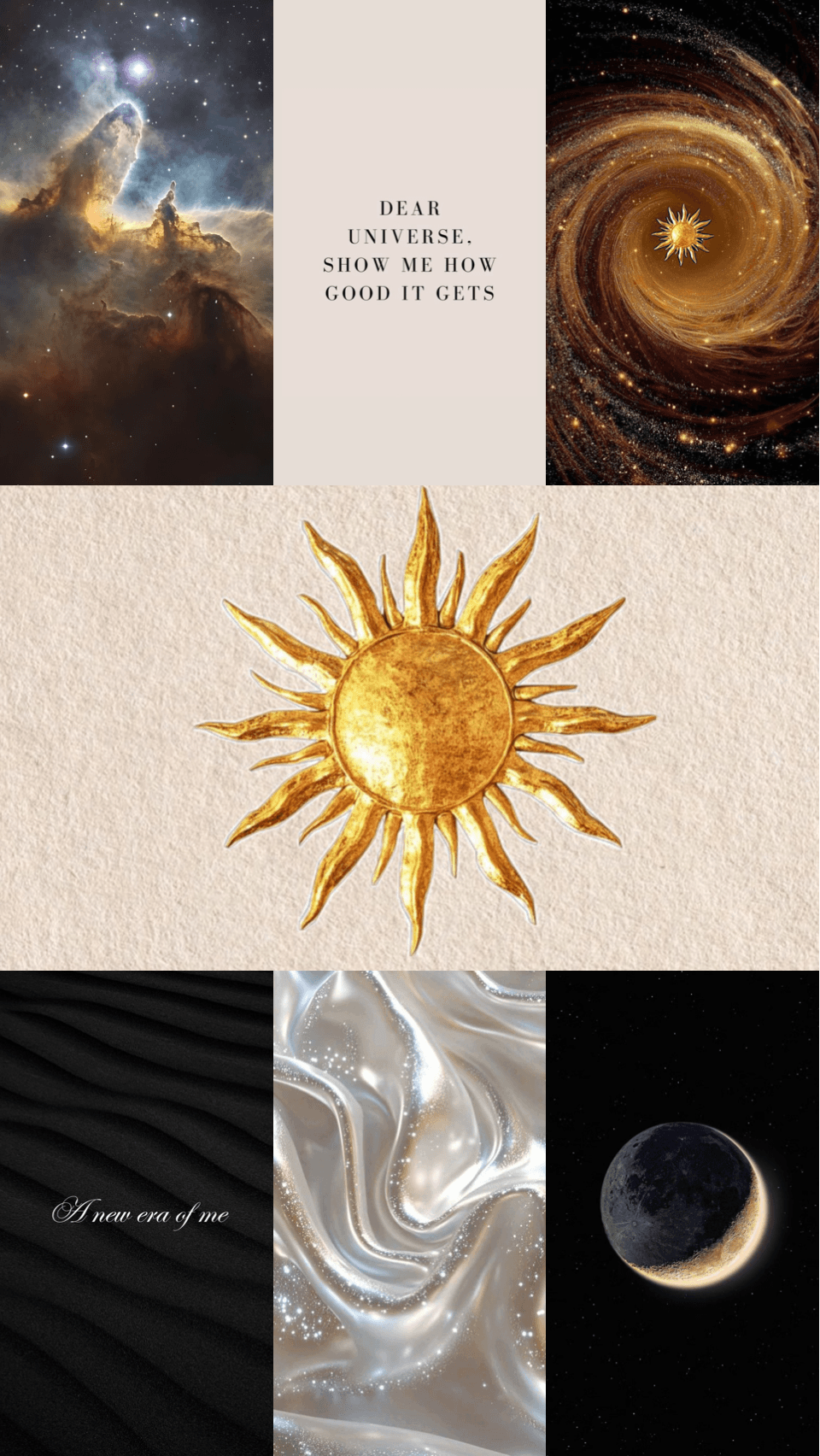
Features
Words & Affirmations
Add a goal, a keyword, or an affirmation in the font of your choice. Words plus images are what make intentions stick.
Built for Everyday People
No design degree, no complicated software. Aethel is made for the woman with a vision and ten minutes — pick what you love and the app does the rest.
Always in Sight
Set your board as your lock screen, home screen, or a widget, so the future you're building greets you every time you pick up your phone.
Works with Pinterest
Turn the pins you already saved into your vision
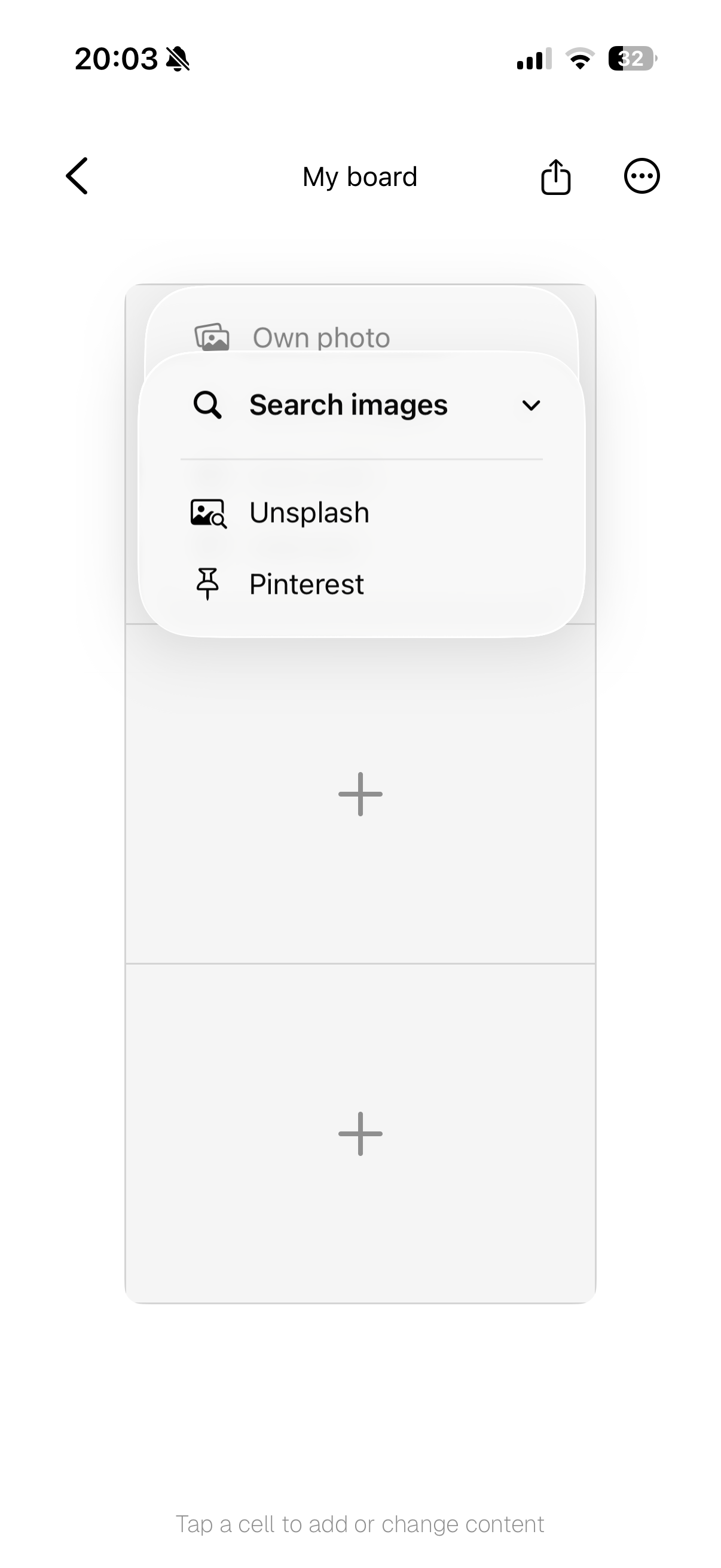
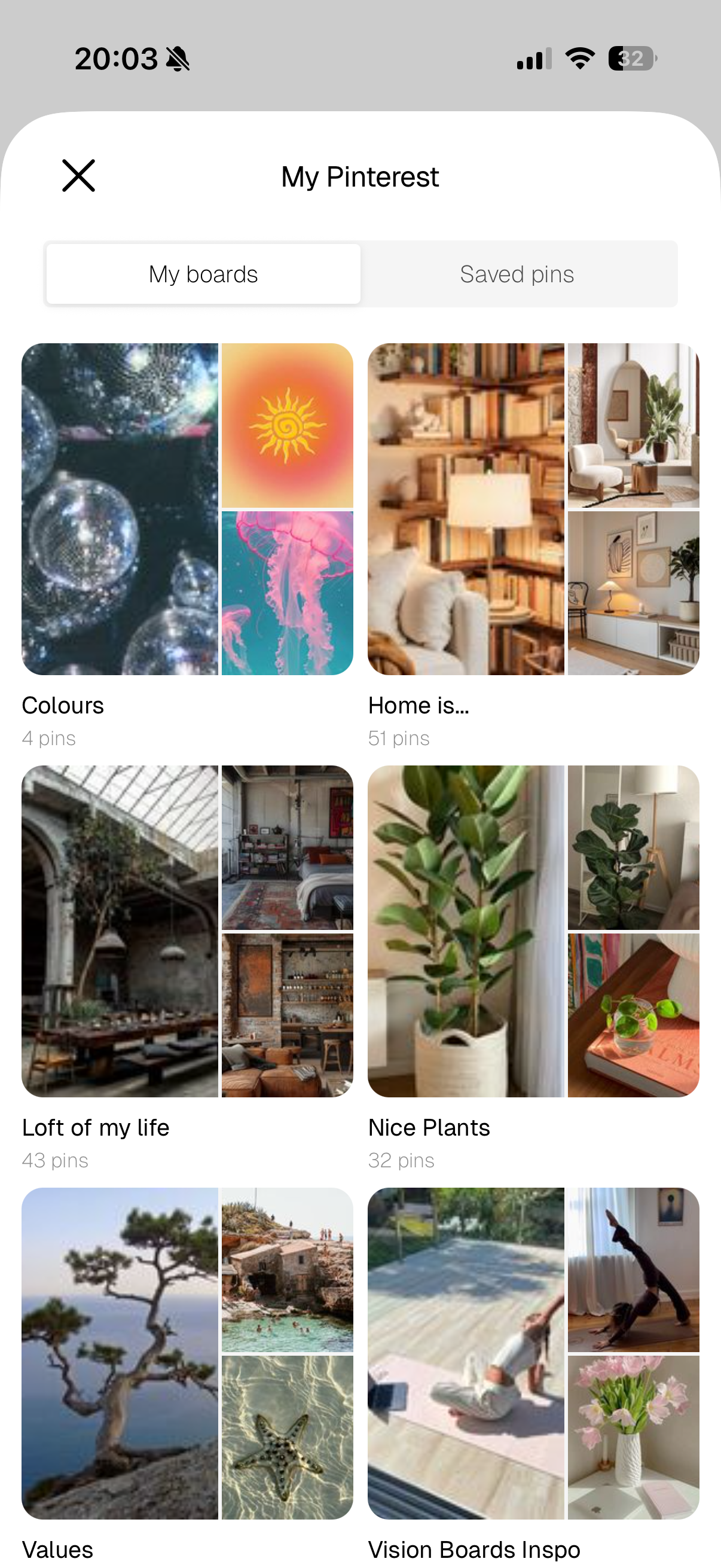
Aethel is an official, Pinterest-approved integration. Tap a cell, choose Pinterest, and authorise your account once — then browse your own boards and saved pins and drop any of them straight onto your vision board.
- Add from Own photo, Unsplash, or Pinterest
- Browse your My boards and Saved pins
- No copy-paste, no downloads — your pins go straight in

Picture it.
Aethel makes the board.
Then live it.
No complicated design tools, no learning curve — just your goals and the future you're building. Join thousands of women who use Aethel to keep their vision in sight every day.
Frequently asked questions
Is there a free vision board maker?
Yes. Aethel is a free vision board maker — download it and start building your vision board right away, no subscription required. Premium features like unlimited boards, every template, and premium fonts are an optional one-time purchase.
What is the best app to make a vision board?
The best vision board app is the one you'll actually look at every day. Aethel is built for iPhone, so your board lives on your lock screen and home screen — add photos from your camera roll, your own saved Pinterest pins, and Unsplash, write affirmations, and export in a tap. No design experience needed.
Can I make a digital vision board online for free?
You can, but a mobile app keeps your vision in front of you. Instead of a browser tool you open once, Aethel lets you build a digital vision board on your iPhone and set it as your wallpaper or a home screen widget, so you see your goals every day.
Do I need design skills to make a vision board?
No. Aethel is built for everyday people, not designers. Ready-made grids and templates handle the layout, so you just choose the images, words, and colours that represent your goals. Most people finish their first vision board in about ten minutes.
Does the vision board maker work with Pinterest?
Yes. Aethel is an official, Pinterest-approved integration. Connect your account once, then pull your own saved pins straight onto your vision board — alongside your camera roll and Unsplash, all without leaving the app.
Can I set my vision board as my iPhone wallpaper?
Yes. Export your finished vision board as a high-quality image and set it as your iPhone lock screen or home screen, or add it as a widget — sized perfectly, no cropping needed — so your goals greet you every time you pick up your phone.
Explore more from Aethel