

Aesthetic Wallpaper Maker for iPhone
Your Dreams, Every Time You Unlock
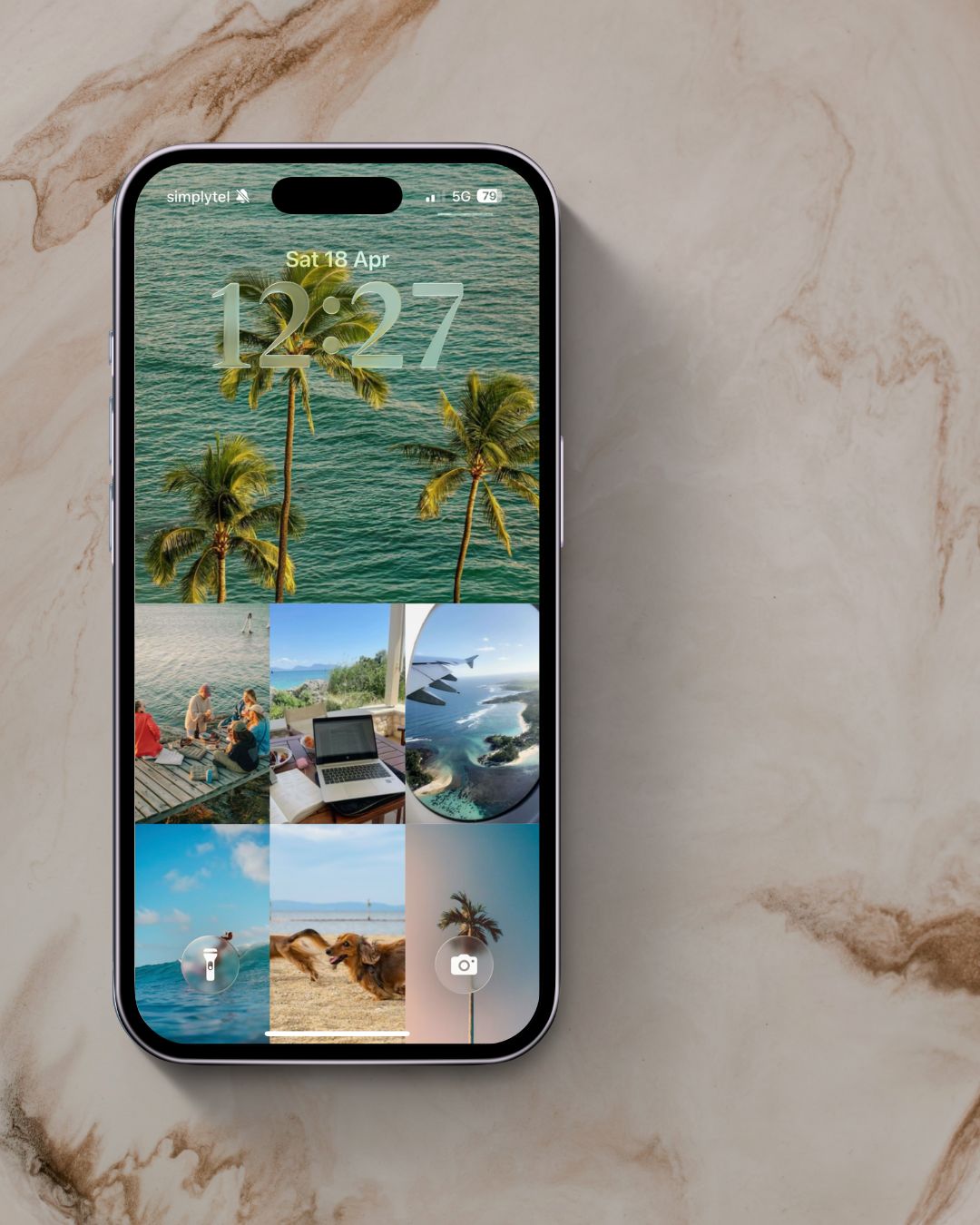
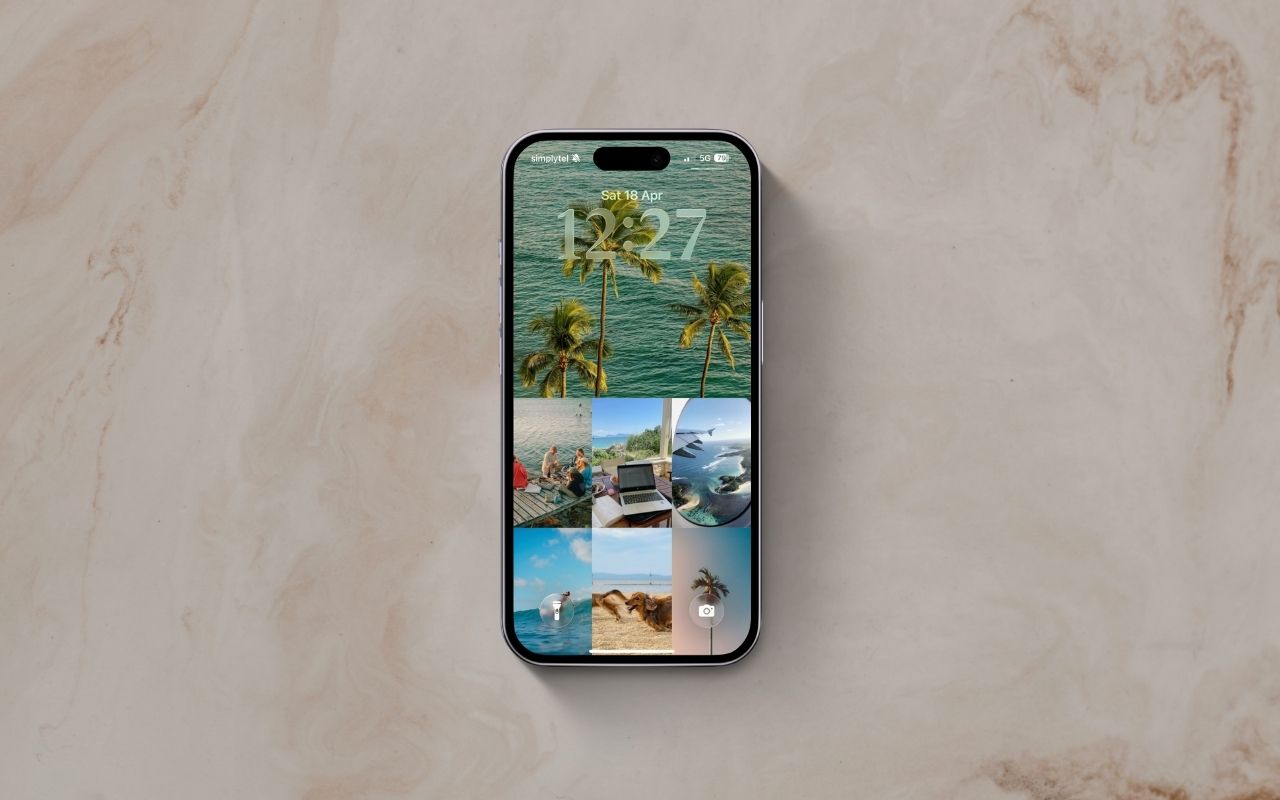
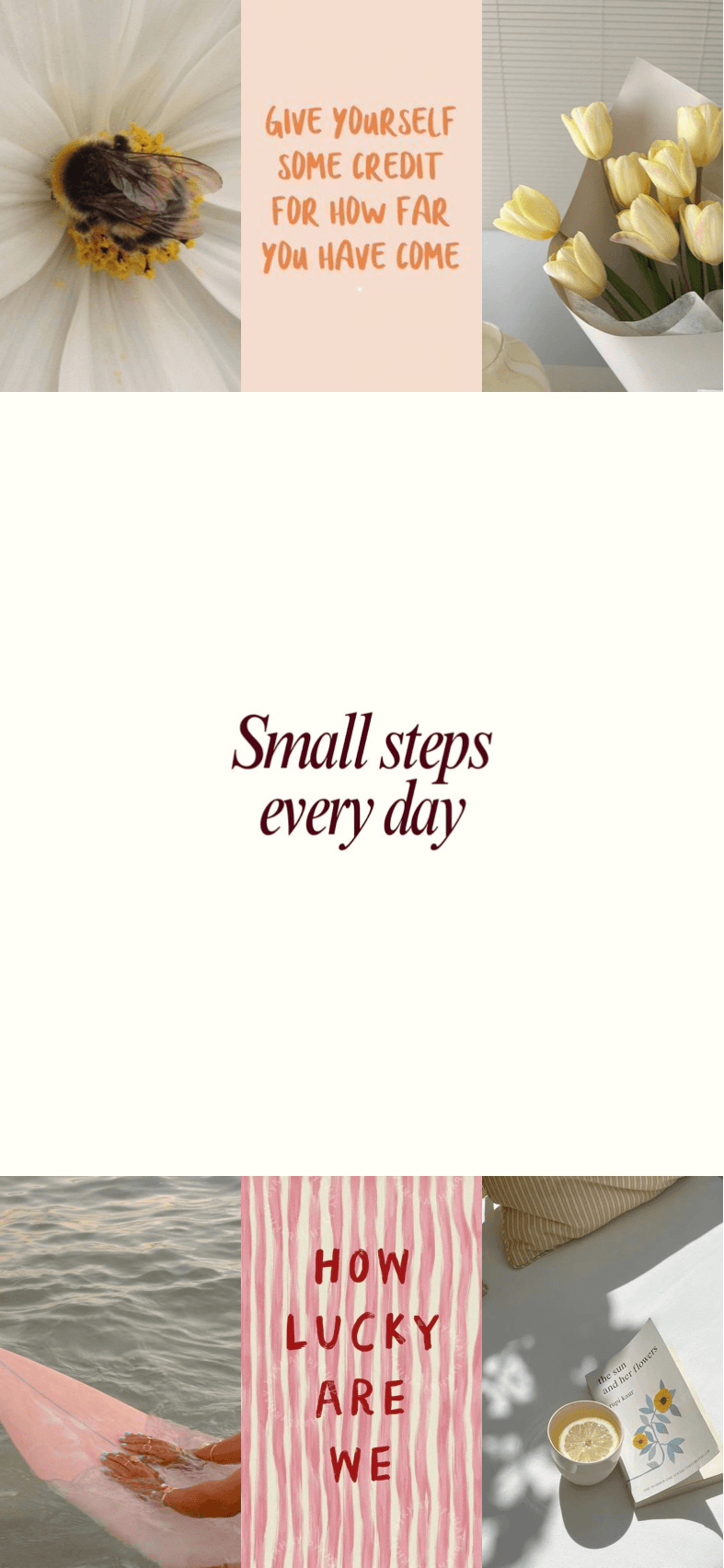
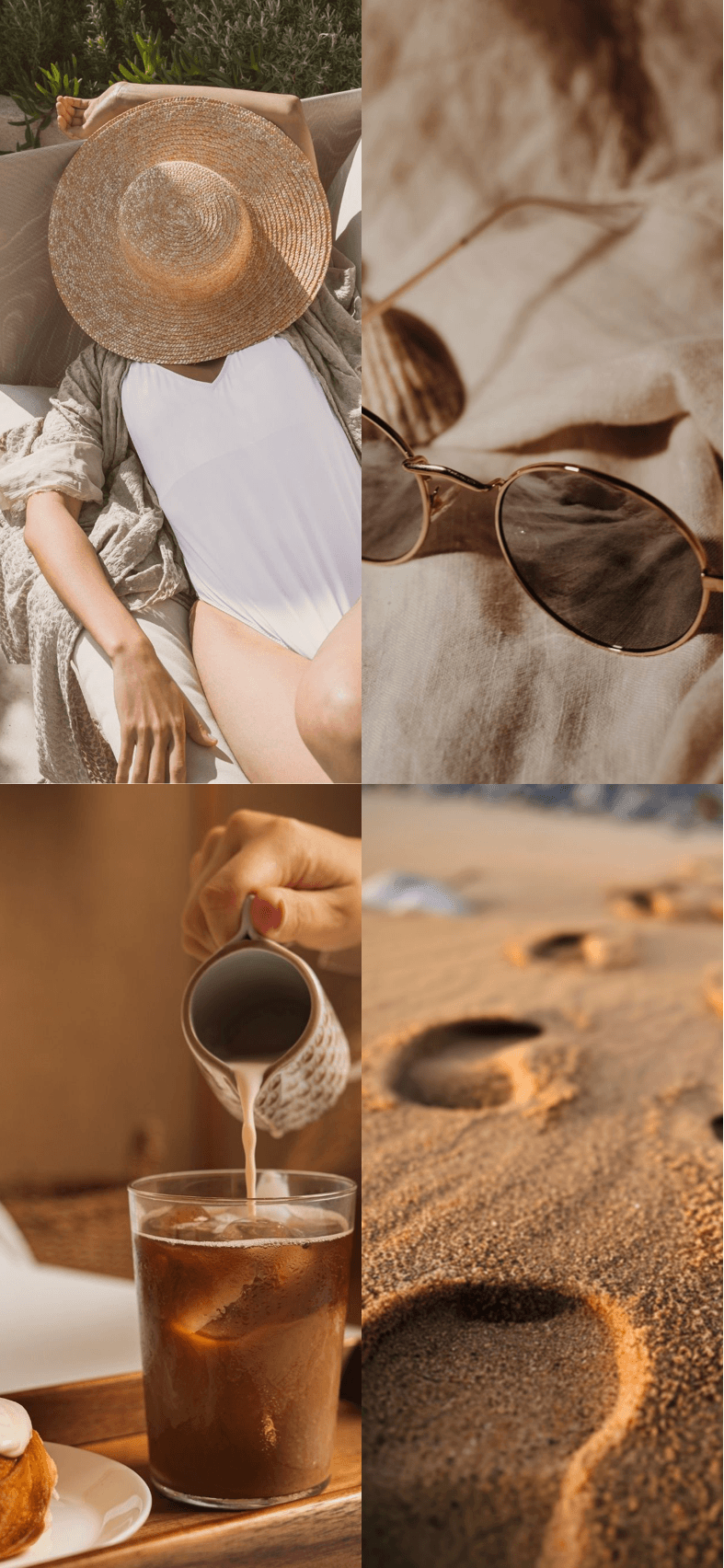
Create your vision board in Aethel, export it in the perfect iPhone screen ratio, and set it as your wallpaper. Your goals, visible every single day — no design skills, no complicated tools, just your photos.
How it works
01
Create your board
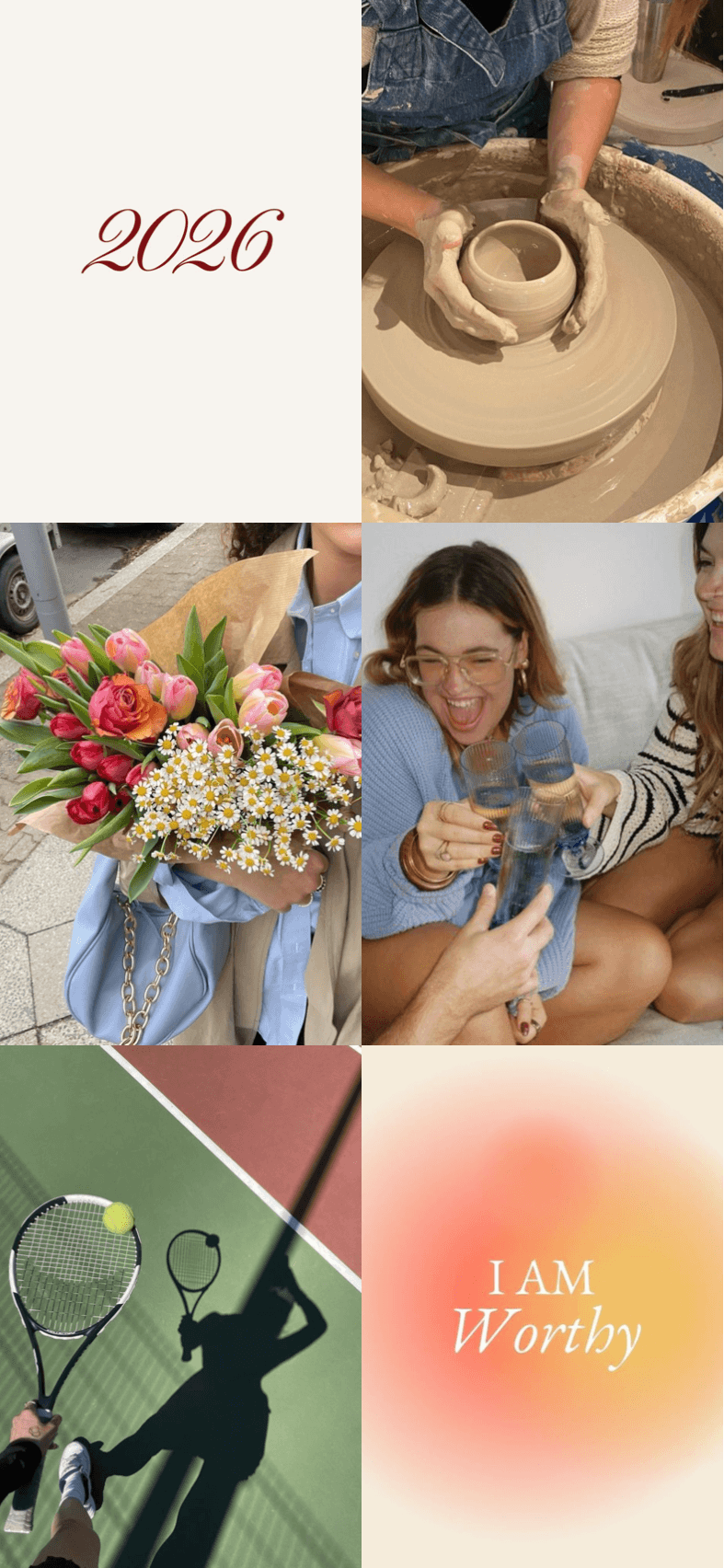
Pick images, colours, and add custom text that matches your vision. Use our templates or start from scratch.
02
Export at 19.5:9
Aethel exports in the exact iPhone screen ratio — every pixel of your screen covered, nothing cropped out.
03
Set as wallpaper
Save to your camera roll and set as your lock screen, home screen, or both.
Perfect for
Lock screen that inspires
The first thing you see when you reach for your phone. Make it count.
Home screen that motivates
Your goals behind every app. A quiet, daily reminder of what you're working toward.
Vision board as wallpaper
Turn your curated mood board into a wallpaper that fills your screen perfectly — no cropping, no compromise.
Seasonal refresh
Switch up your wallpaper each season to match the energy you want to bring into your life.
Aesthetic that's yours
Not a stock photo, not someone else's taste. A wallpaper built from the images that move you.
Manifestation, daily
Visualisation works when it's consistent. Your wallpaper is the most effortless habit you'll ever build.
Made with Aethel
Frequently asked questions
What size should an iPhone wallpaper be?
For the best results, iPhone wallpapers should be in a 19.5:9 ratio. Aethel exports wallpapers at the correct dimensions for your screen automatically — no manual resizing needed.
Can I make a wallpaper from my own photos?
Yes. You can use photos from your camera roll, your own saved Pinterest pins, images from Unsplash, solid colours, or a mix of all three. Aethel gives you full control over the layout and aesthetic.
How do I set a custom wallpaper on iPhone?
After exporting your wallpaper from Aethel, save it to your camera roll. Then go to Settings → Wallpaper → Choose a new wallpaper, select your image, and set it for your lock screen, home screen, or both.
Can I add text to my iPhone wallpaper?
Yes. Aethel lets you add custom text, affirmations, or captions to your wallpaper design before exporting — so your lock screen can carry a word or phrase that anchors your day.
Create it once.
See it every day.
Download Aethel and turn your vision into the most personal wallpaper your iPhone has ever had.
Explore more from Aethel