

Collage App for iPhone
Turn Your Photos Into Aesthetic Collages
Layer photos, colours, and text into beautiful collages — straight from your iPhone. Perfect grids, no design skills — just your photos.
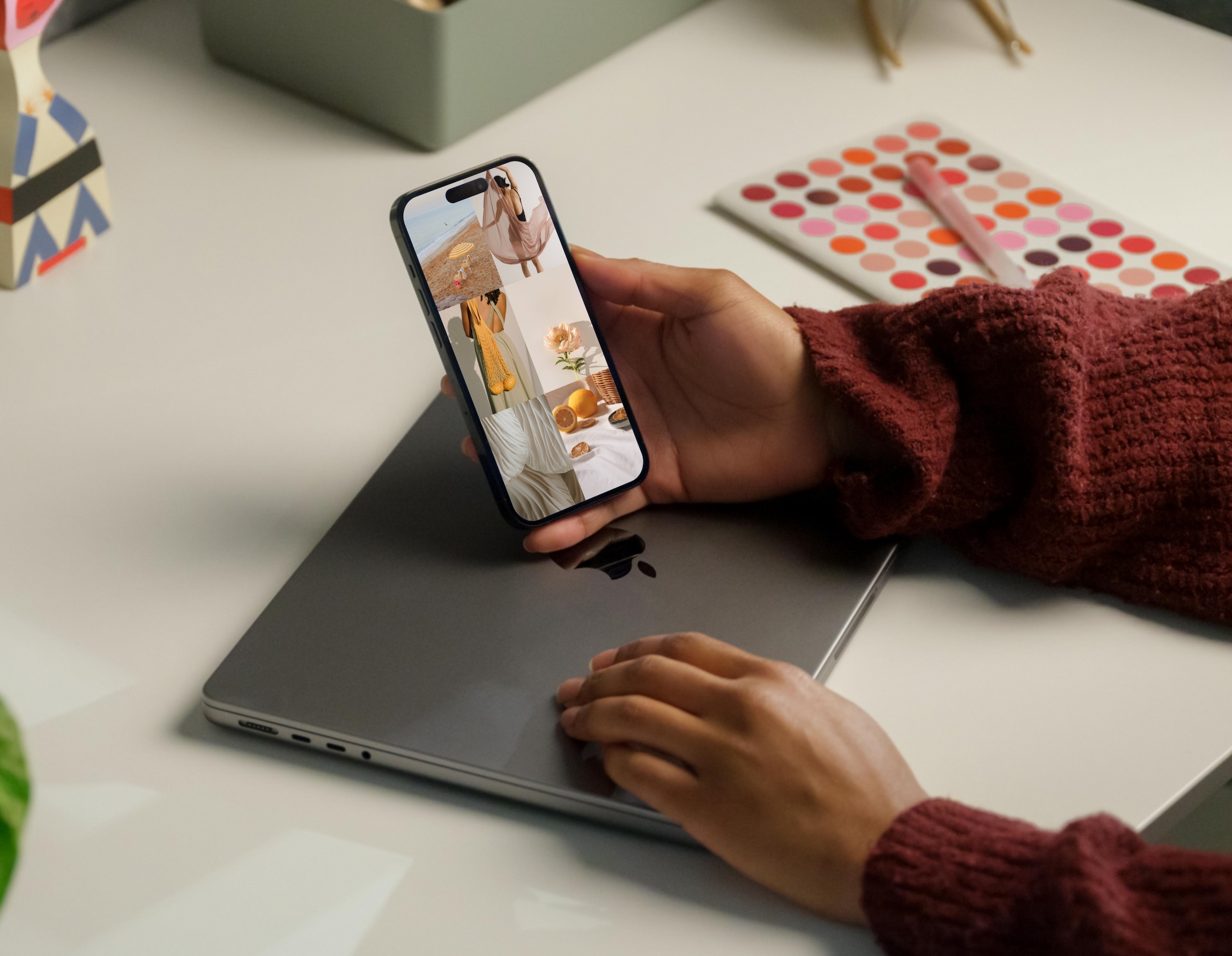
Perfect for
Reliving travel memories
Arrange your favourite shots from a trip into a collage that tells the whole story.
Celebrating special moments
Birthdays, anniversaries, milestones — give them a layout as beautiful as the memory.
Building a photo wall aesthetic
Plan your physical gallery wall digitally first. Move frames around until it feels right.
Creating social media content
Batch your aesthetic posts into collages that stop the scroll.
Archiving your style evolution
Document outfit grids, beauty looks, or creative projects in one visual snapshot.
Gifting something personal
Turn shared photos into a collage worth printing and framing.
Made with Aethel



Features
Smart Grid Layouts
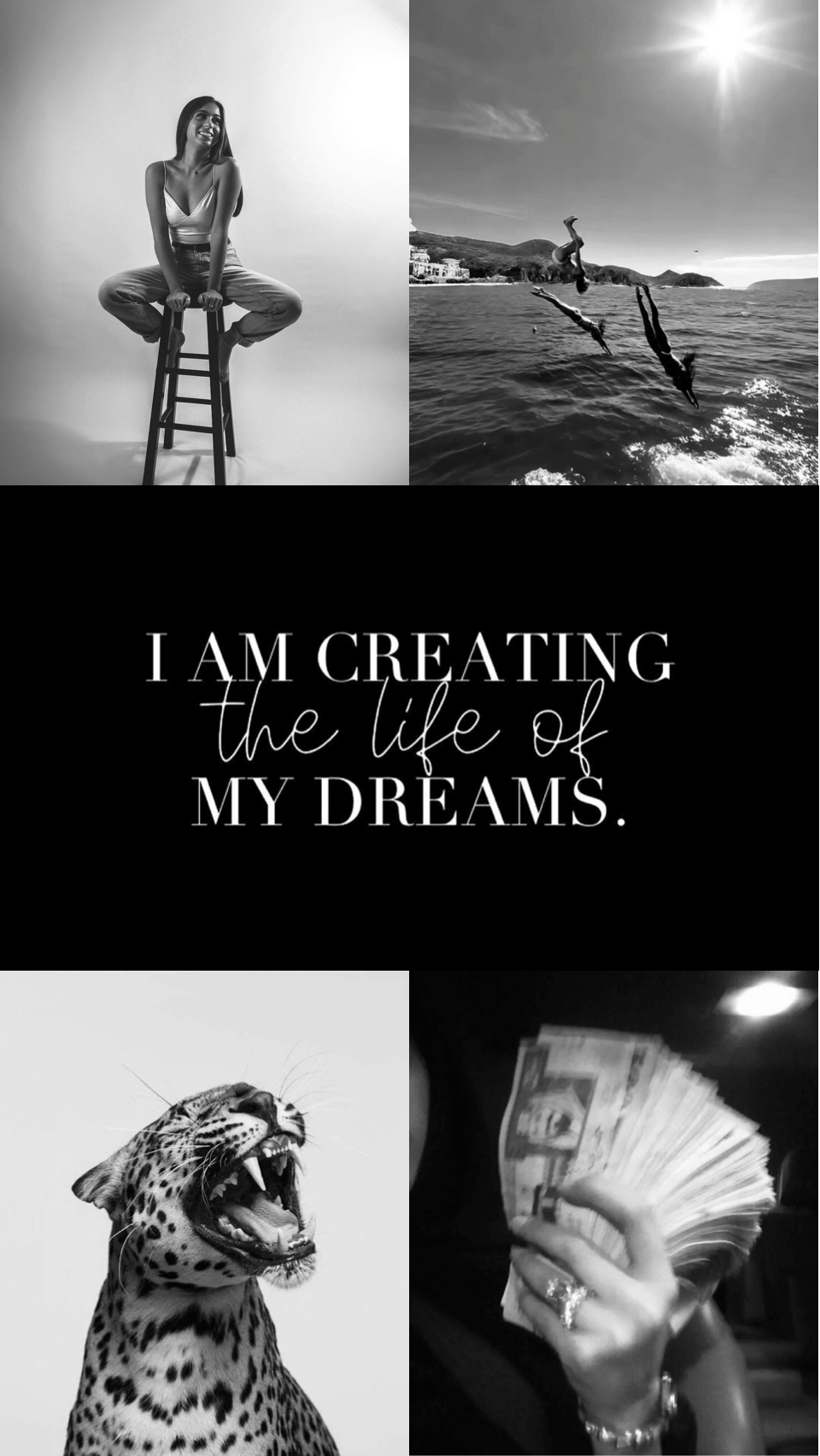
Portrait, story, wallpaper — choose your format and every image snaps into place perfectly.
Effortless Photo Import
Pull from your camera roll, your saved Pinterest pins, or Unsplash without ever switching apps.
Fonts, Colours & Text
Add captions, labels, or affirmations in beautiful typography to complete your collage.
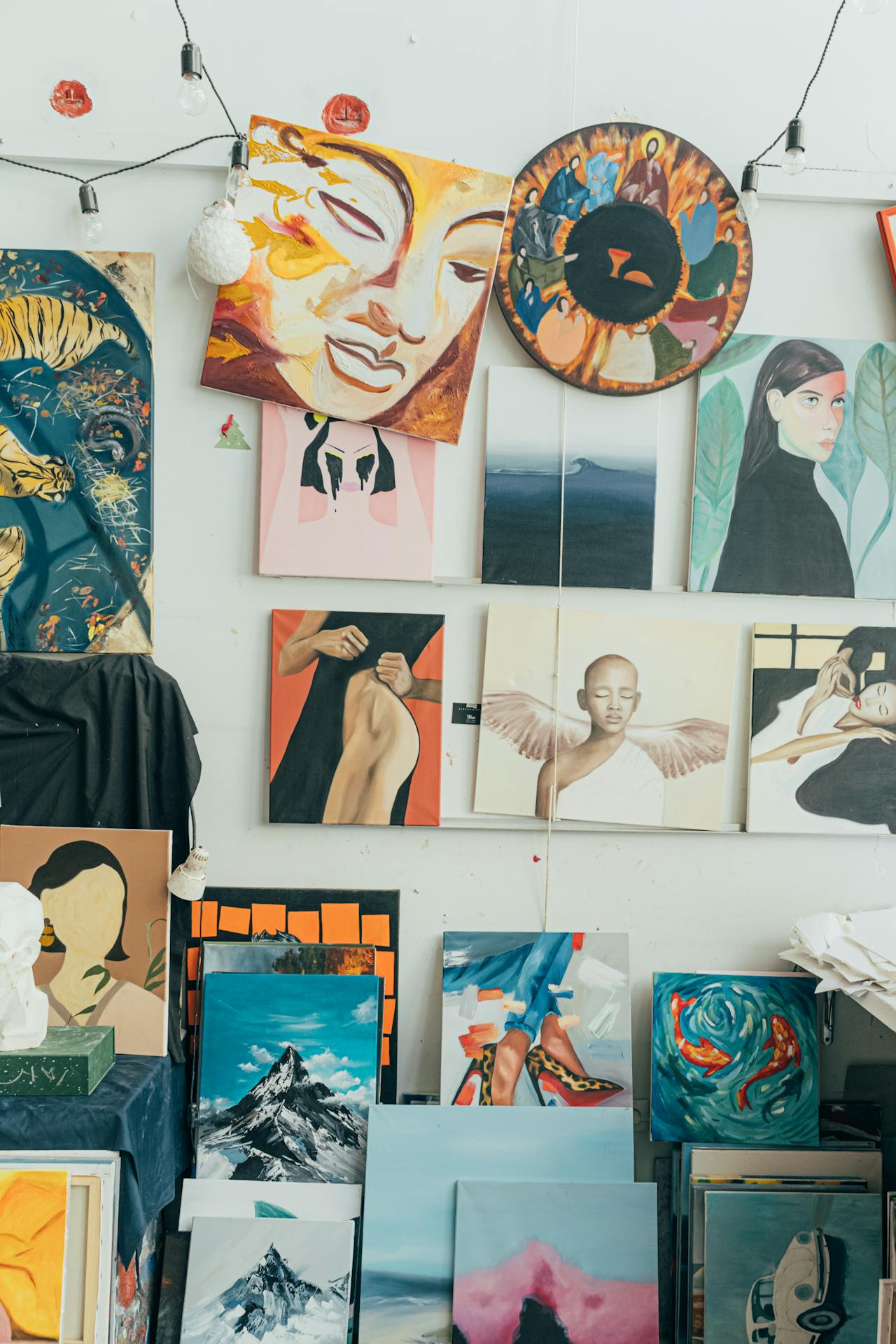
Every photo tells a story. Make yours beautiful.
Download Aethel and turn your camera roll into something worth keeping.
Frequently asked questions
What makes Aethel different from other collage apps?
Aethel is designed around aesthetic curation, not just photo grids. You can combine your own photos, your saved Pinterest pins, and images from Unsplash, add text and colour blocks, and export your collage as a wallpaper or shareable image — all from your iPhone.
Can I add text to my collage?
Yes. Aethel lets you overlay custom text, words, or affirmations onto your collage. Combine text with images and colour blocks to create layouts that tell a complete visual story.
What photo formats does Aethel support?
Aethel supports all standard iPhone photo formats including JPEG, PNG, and HEIC. You can also bring in your own saved Pinterest pins and search Unsplash without leaving the app.
Can I use my collage as an iPhone wallpaper?
Yes. Once your collage is complete, export it as a wallpaper sized to your iPhone's exact screen ratio. Set it as your lock screen or home screen directly from your camera roll.
Explore more from Aethel