

Mood Board Widget for iPhone
Your Mood Board, Live on Your Home Screen
Turn any Aethel board into a widget that updates every hour. A different image, colour, or moment from your vision — always fresh, always inspiring.
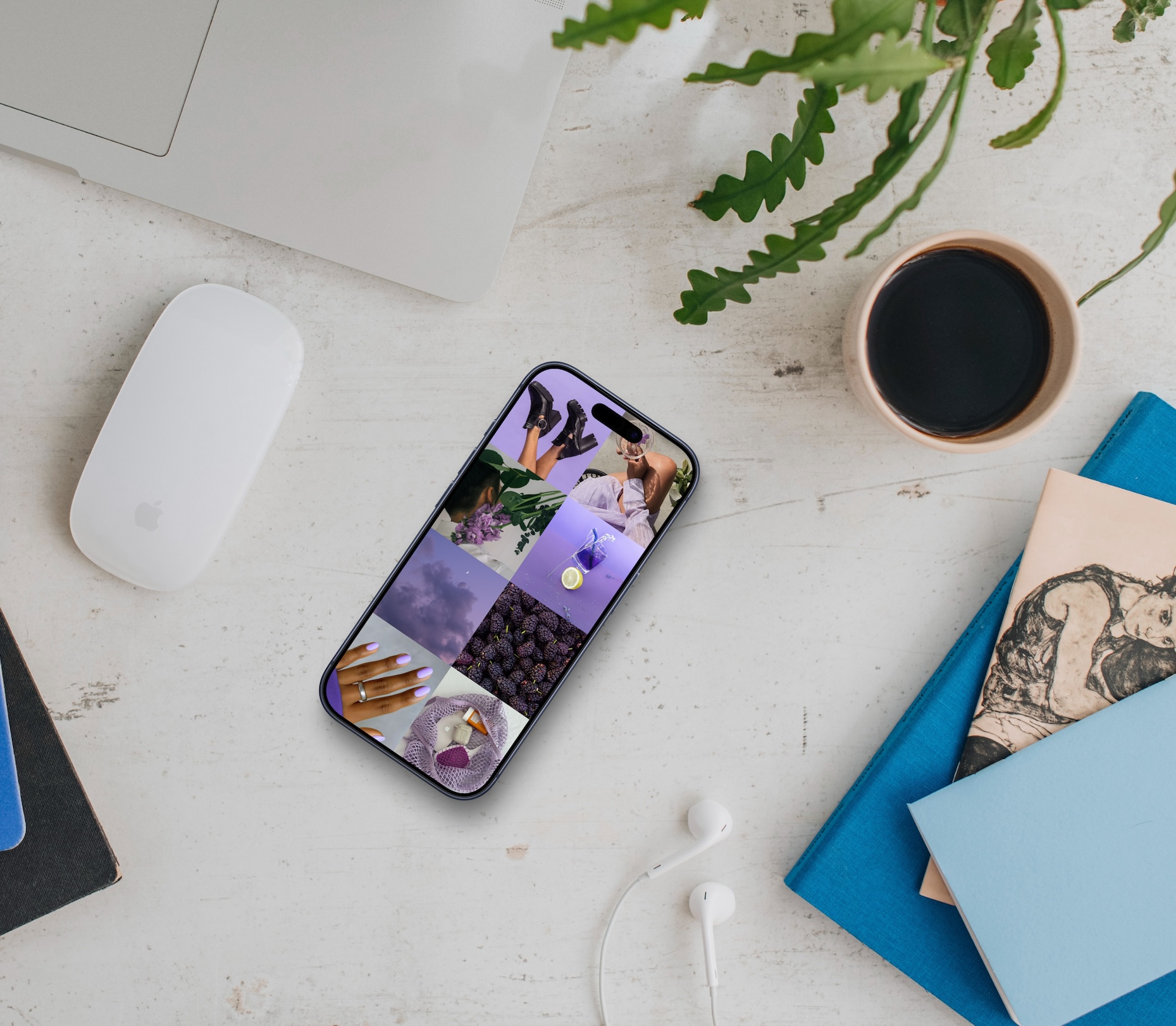
Widget styles
Image
A single curated image from your board, filling the widget. Pure visual inspiration.
Image & Text
An image paired with a word, affirmation, or caption from your board. Feeling and meaning together.
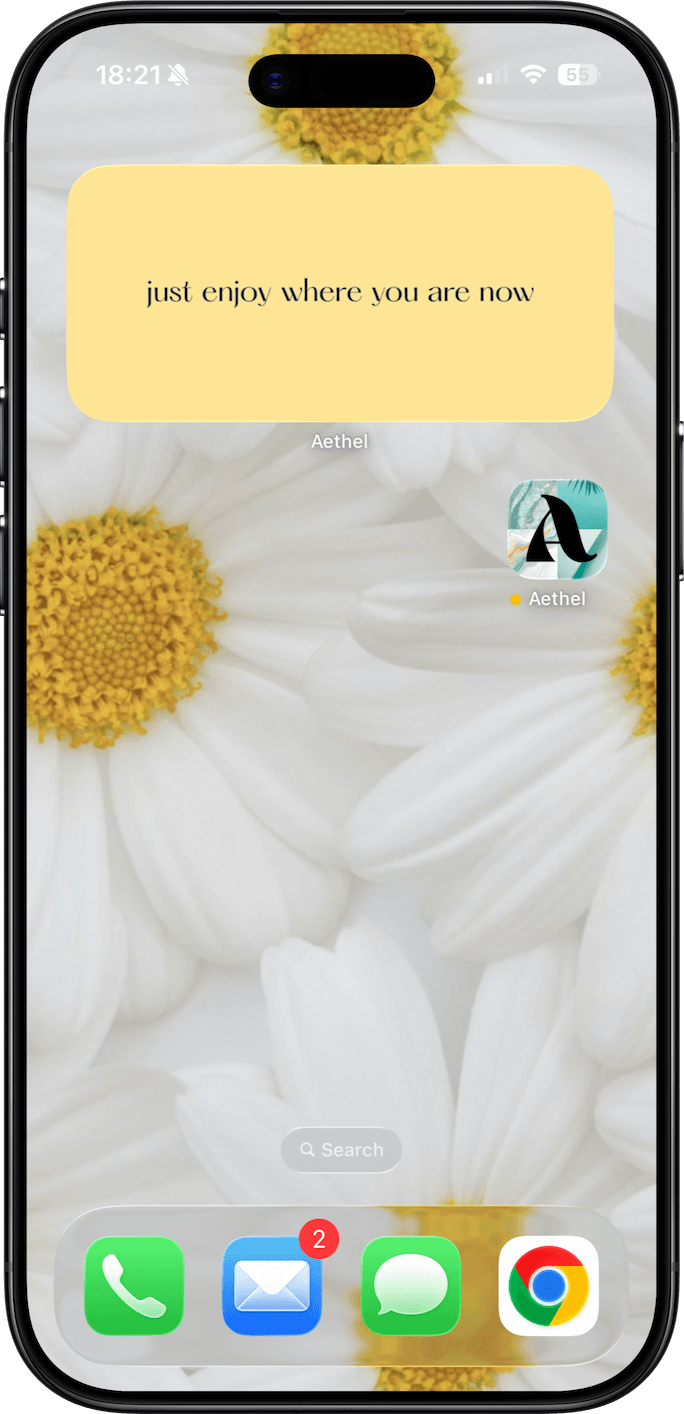
Colour & Text
A bold colour block from your palette, paired with text. Minimal, striking, intentional.
Three sizes
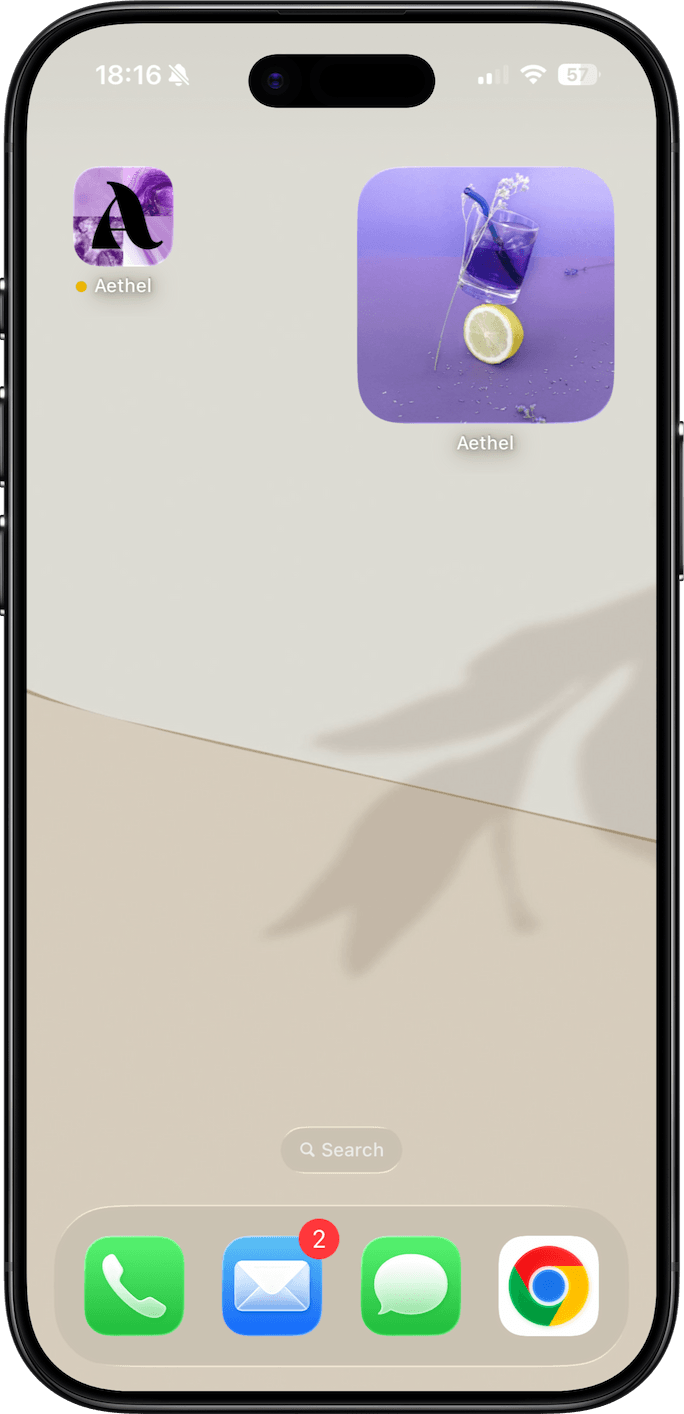
Small
A subtle accent on your home screen. One powerful image or colour, quietly present.
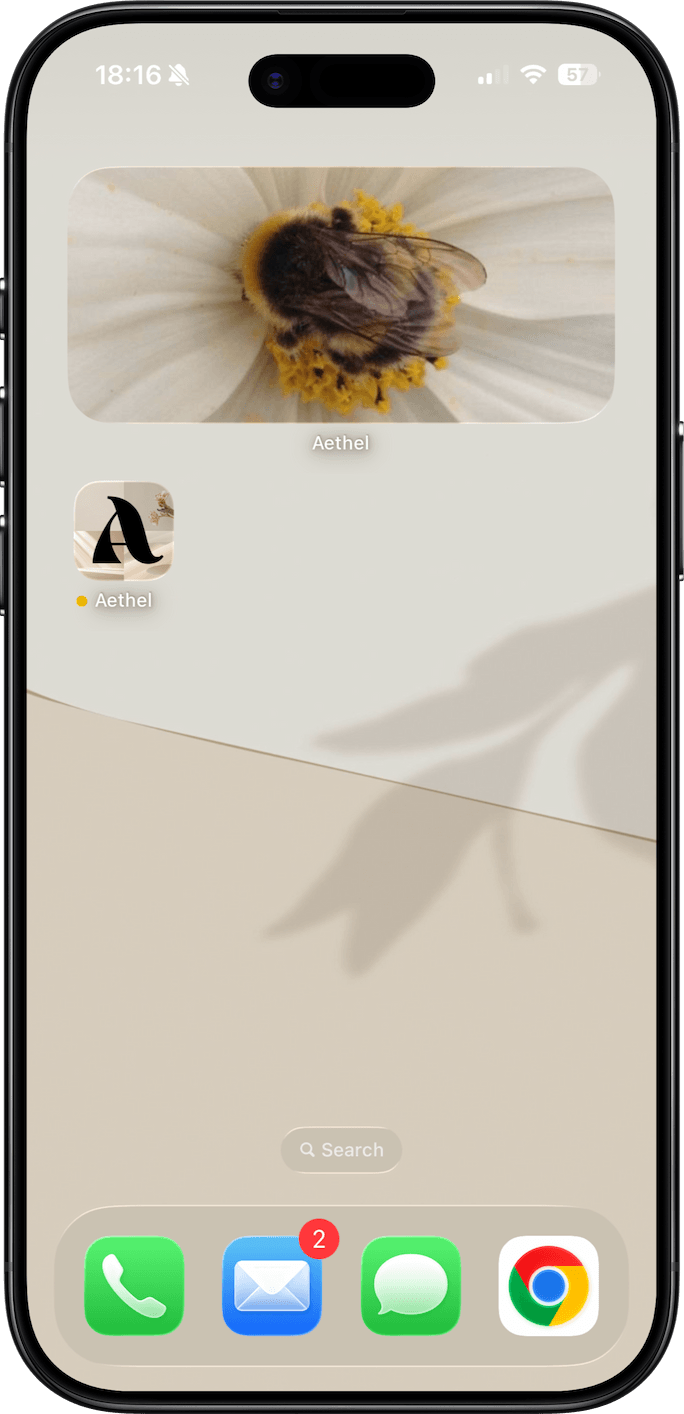
Medium
More room to breathe. A richer image or a longer affirmation, visible at a glance.
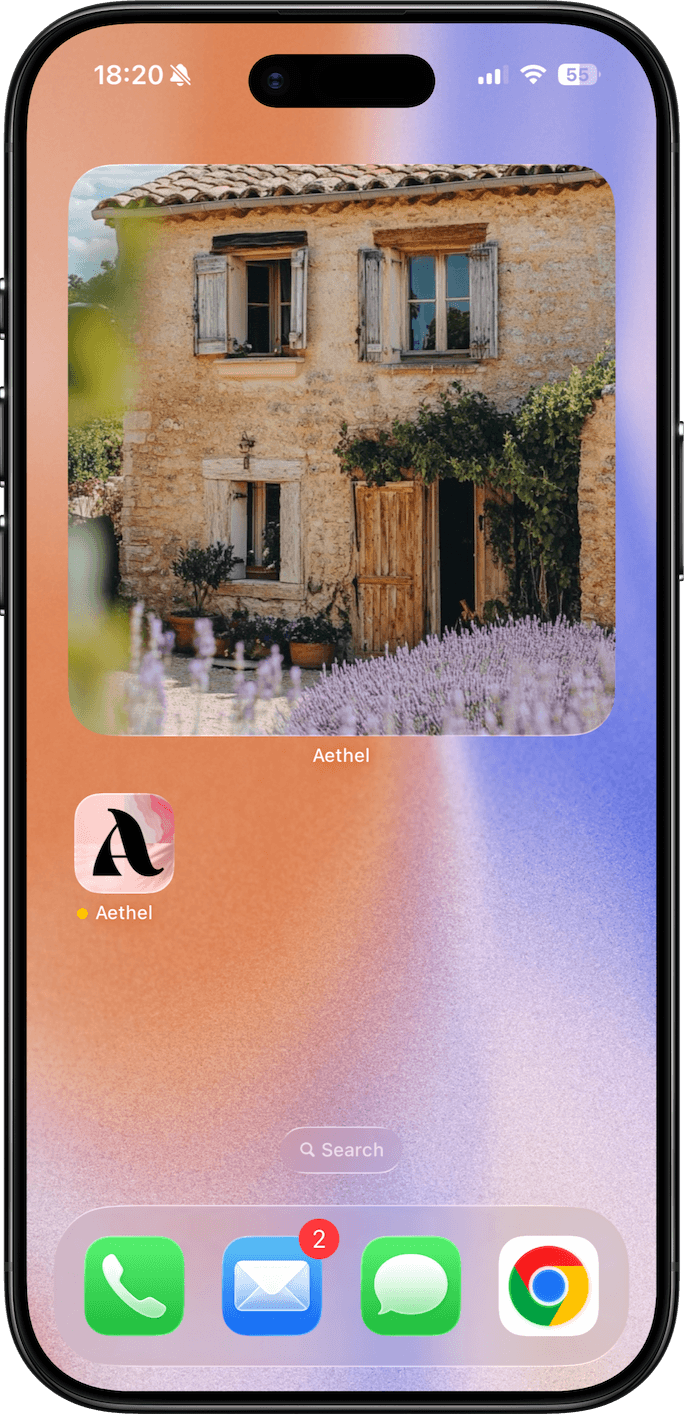
Large
Your vision board takes centre stage. Maximum impact, maximum daily motivation.
Made with Aethel
Perfect for
Daily inspiration refresh
The widget cycles through your board every hour — so you never stop noticing it.
Goal on your home screen
Pick a board dedicated to one goal and let it live where you'll see it most.
Aesthetic home screen
Match your widget to your wallpaper for a home screen that feels entirely yours.
Affirmation of the day
Use a colour + text widget to rotate through your favourite affirmations automatically.
Choose your board
Different boards for different moods. Swap which board powers your widget any time.
Multiple widgets, multiple visions
Add widgets in different sizes for different boards — travel dreams, career goals, daily aesthetic.

Your goals, one glance away.
Download Aethel and put your vision board where you'll actually see it — your home screen.
Frequently asked questions
What is a mood board widget?
A mood board widget is a home screen widget that displays images, colours, or text from one of your Aethel boards. It updates automatically every hour so your home screen always feels fresh — a living piece of your vision, not a static image.
How do I add the Aethel widget to my iPhone home screen?
Long-press on your iPhone home screen to enter jiggle mode, tap the + icon in the top corner, search for Aethel, choose your widget size, and tap Add Widget. You can then choose which board powers the widget from the widget settings.
How often does the Aethel widget update?
The Aethel widget refreshes approximately every hour, cycling through the images, colours, and text in your chosen board. This means your home screen stays dynamic and you never stop noticing your vision.
What widget sizes does Aethel support?
Aethel supports all three standard iOS widget sizes — small, medium, and large. Each size can display a different style: image only, image with text, or colour block with text.
Explore more from Aethel